


Free OKR Template
Set goals, track progress, and score results with a reusable objectives and key results template, with examples for every team.
Sign up to create your own template.
Free OKR Template
Set goals, track progress, and score results with a reusable objectives and key results template, with examples for every team.
Create your templateSign up to create your own template.
INTEGRATED FEATURES
Recommended apps




Summary
A team can complete every planned task and still miss its goal. An objectives and key results (OKR) template helps you track the outcomes those tasks should produce. Without that comparison, a completed task list can look like progress even when the results say otherwise.
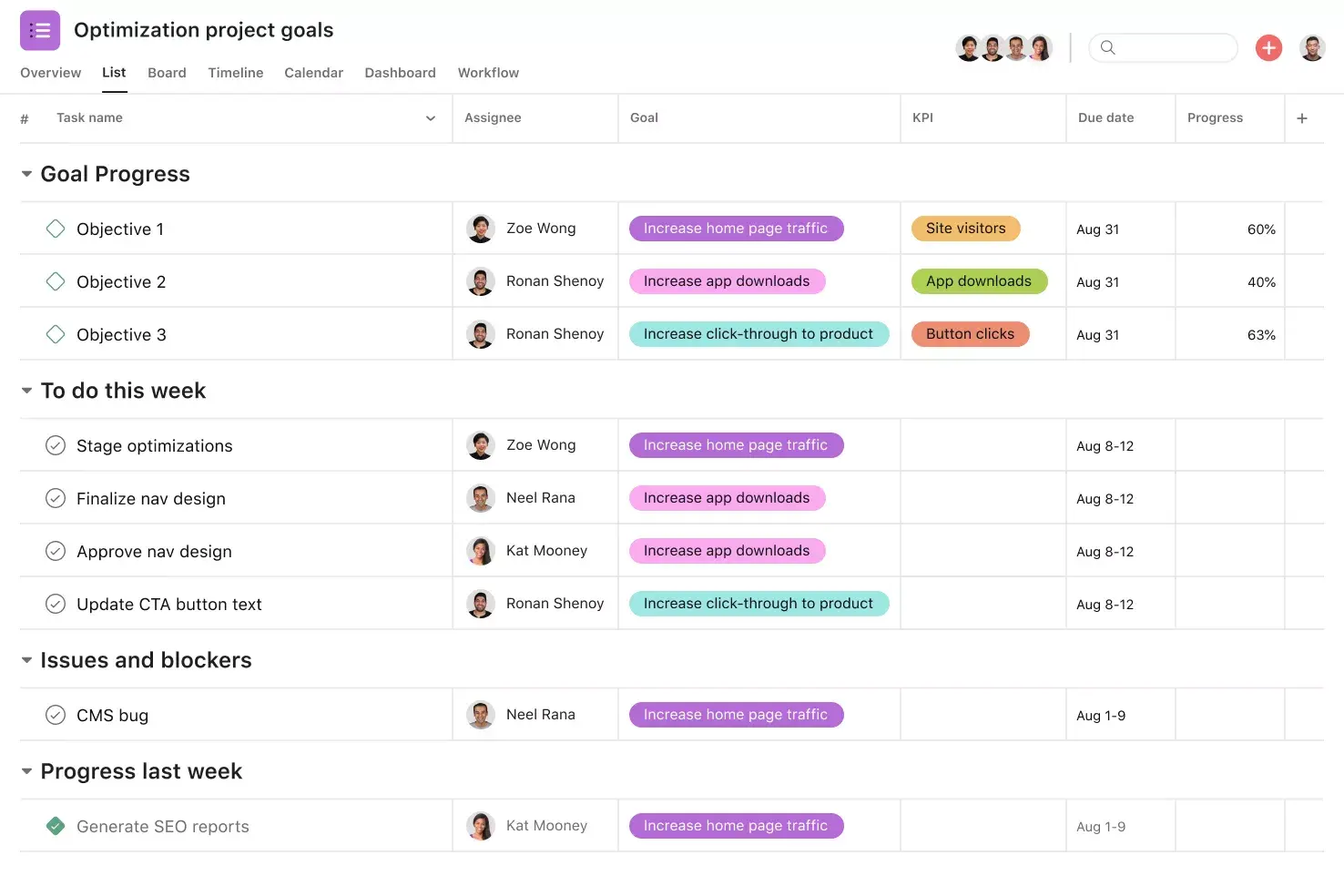
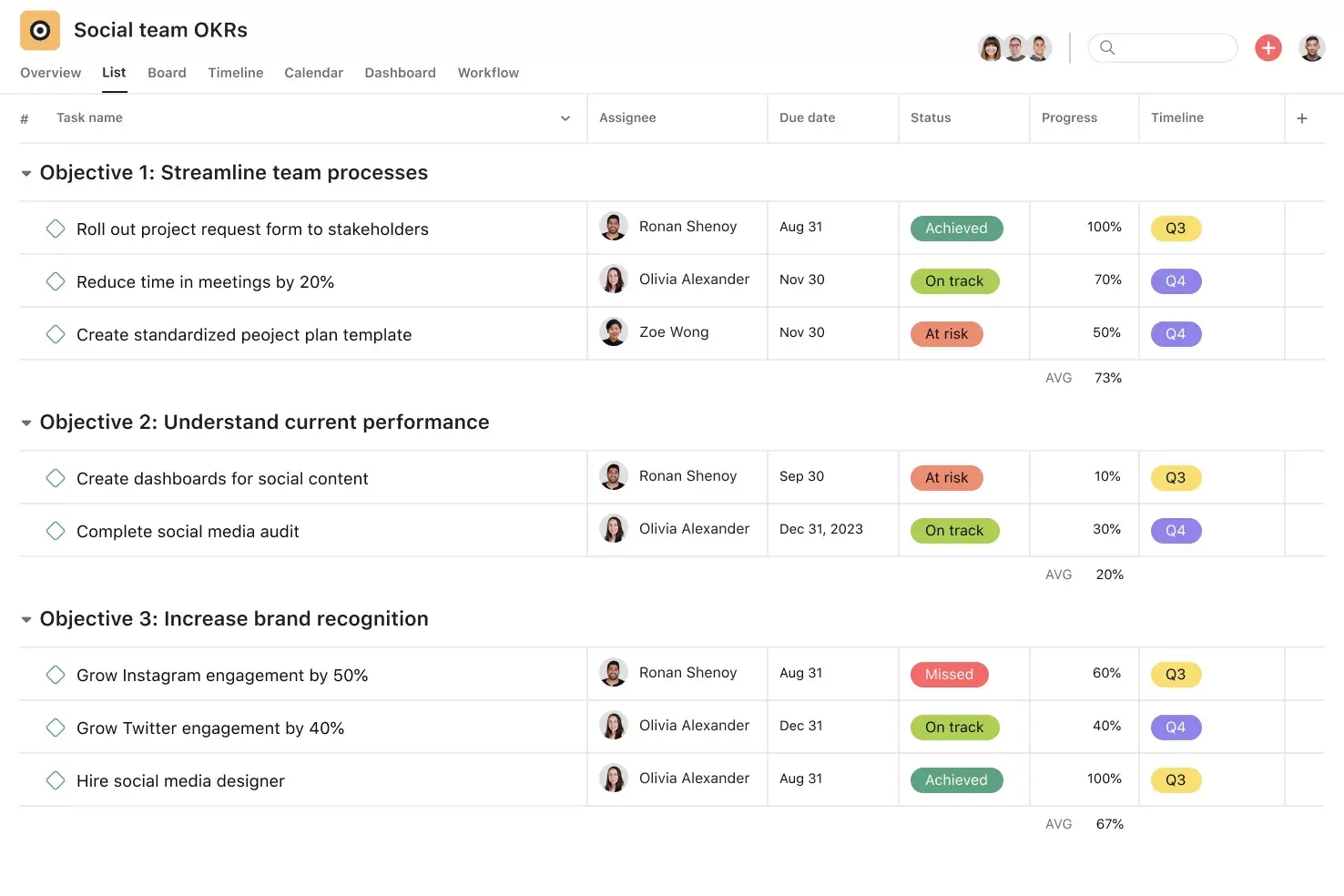
![[Product ui] Team OKRs in Asana, spreadsheet-style project view (List)](https://assets.asana.biz/transform/3611b649-5d7c-4eb8-9cb9-6b316a94c897/TG23-web-hero-037-OKRs-static-2x?io=transform:fill,width:2560&format=webp)
What is an OKR template?
An OKR template is a reusable guide for defining objectives, recording measurable key results, and tracking progress. It uses a simple formula:
“I will [objective] as measured by [key result].”
The objective describes the change you want to make. Key results measure whether you are making that change. Tasks are the actions that may help achieve it. For example, “Make support faster” is an objective, reducing response time is a key result, and updating a troubleshooting guide is a task.
Read: How to set OKRsUse the same goal-setting process each cycle to keep records consistent. For help choosing objectives and measures, see the OKR setup guide.
Create an OKR templateCopy this OKR planning and tracking template
Copy these fields into a document or spreadsheet, or set them up in Asana. Create one planning record for each key result and add a check-in record at every review. Keep earlier reviews so you can see what changed over time.
Objective: __________
Cycle: __________
Parent company goal: __________
Objective owner: __________
Planning field | What to record | Your entry |
Key result and metric | Outcome, unit, and whether the measure should rise or fall. | |
Baseline and target | Starting value and agreed end-of-cycle value. | |
Owner and due date | One accountable person and a deadline. | |
Measurement source | Report, measurement period, and which records count. | |
Supporting work | Tasks or projects intended to change the metric. |
Check-in field | What to record | Your entry |
Review date and current value | Latest result and the period it covers. | |
Status and reason | On track or at risk, with an explanation. | |
Next action, owner, and next review | What changes, who acts, and when to check again. | |
Final result and lesson | Achievement against the original target and what to carry forward. |
This OKR format keeps the original commitment separate from later decisions. Keep the original target visible, even if priorities change. If you use Asana’s template, adapt its fields to your team’s measures and review process.
Benefits of digital OKR templates
An OKR template integrated into your project management tool gives your team a shared place to find owners, measurements, and review history. You can reuse the setup each cycle and keep supporting work beside the result it should influence.
At Lucid, teams record quarterly OKRs in Asana Goals and link them to the projects that support them. Program managers make sure teams update their OKRs at checkpoints and assign responsibility for keeping goals current.
Read Lucid’s customer story –>
A project template organizes your team’s work. Asana Goals provides an organization-wide view that connects and tracks goals across teams.
![[Product UI] Company goals and milestones project example (Lists)](https://assets.asana.biz/transform/6e01fc89-e66a-4b22-8195-287bb8f0d62f/inline-lists-company-goals-milestones-2x-jpg?io=transform:fill,width:2560&format=webp)
How to create a digital OKR template in Asana
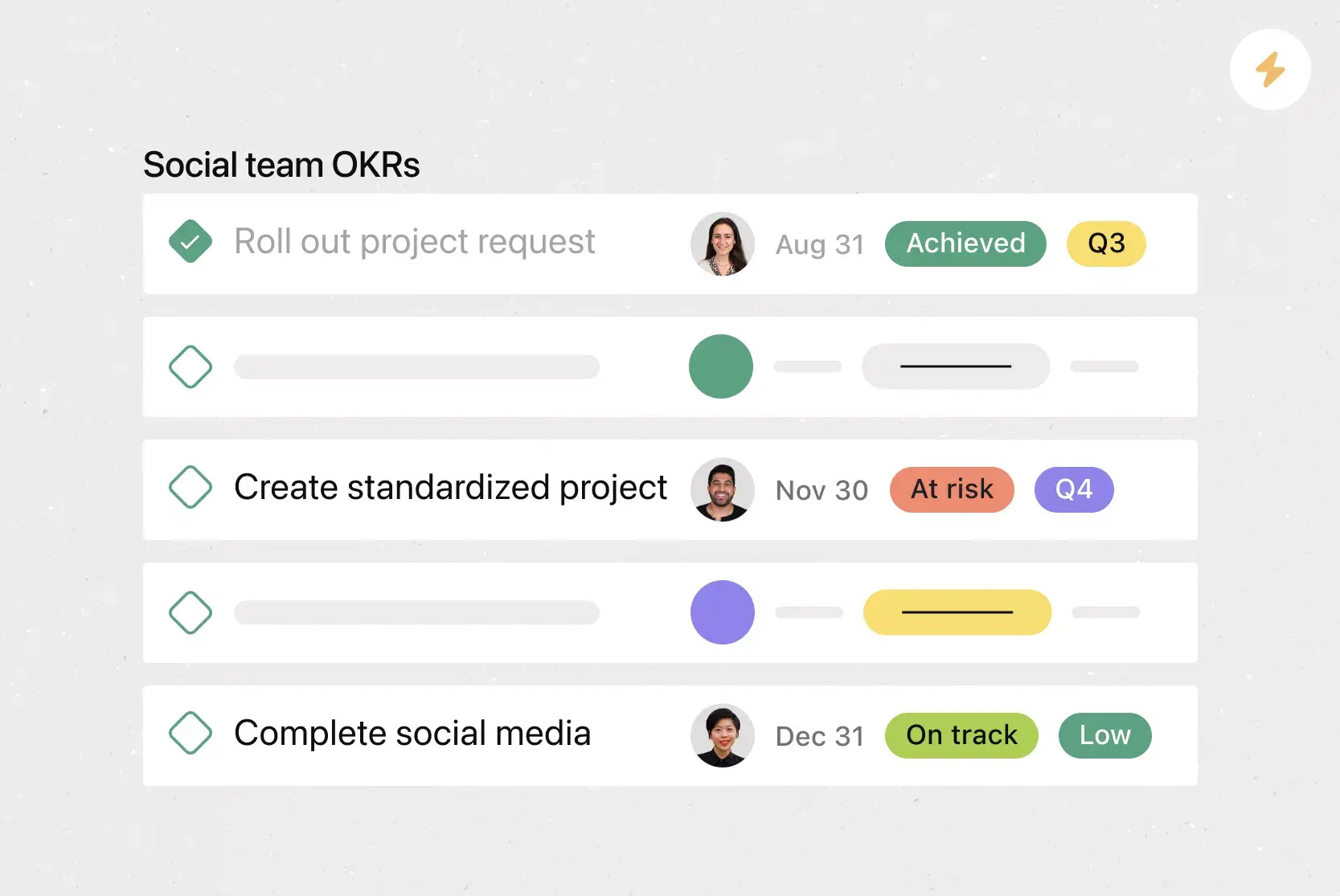
Include objectives and key results (KRs) in your Asana project, then add the necessary information for owners to measure progress.
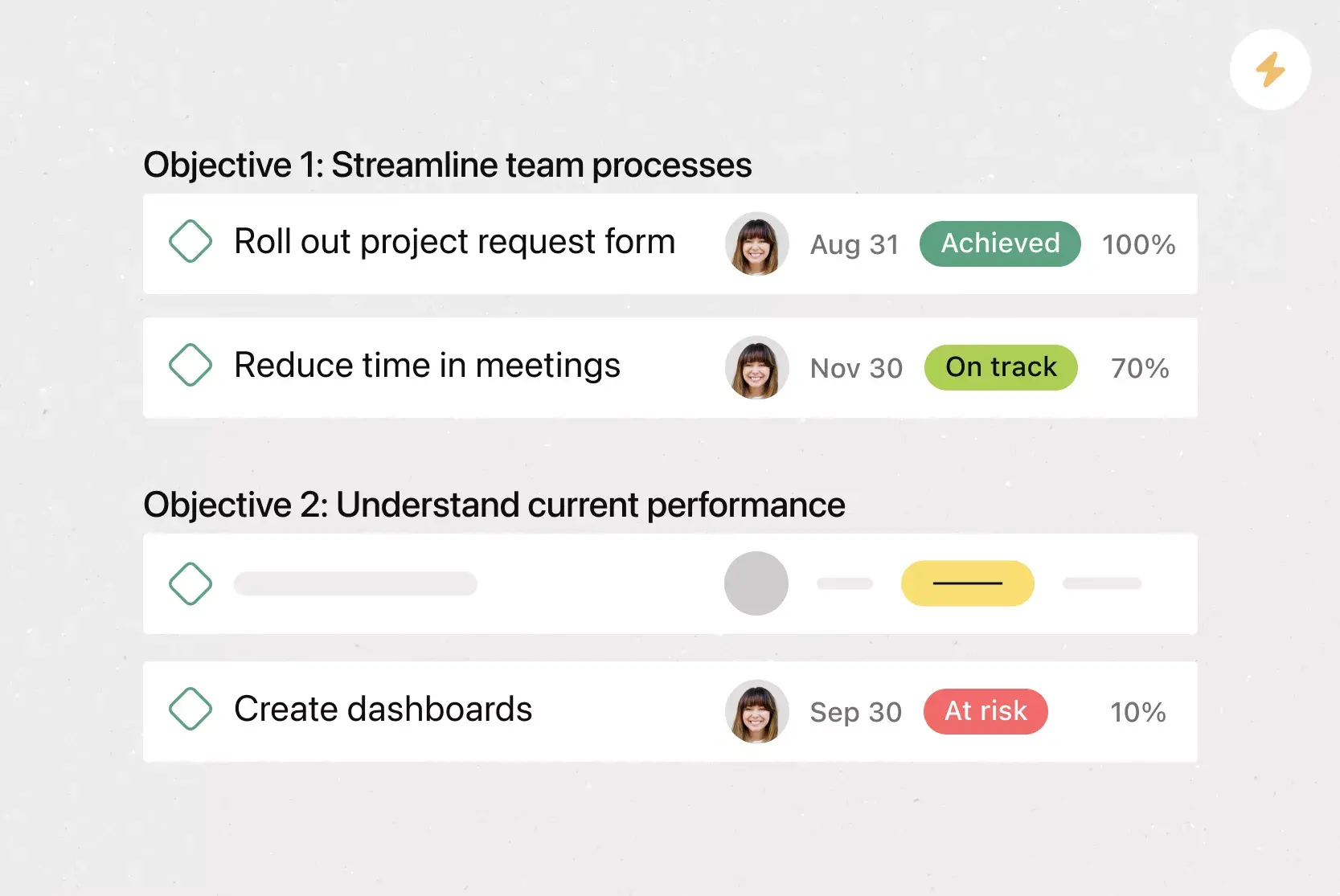
Organize your project by objective. For each objective, create a section and add a task or milestone for each key result. Assign an owner and due date. Keep supporting tasks separate so completing them does not automatically mark the key result as achieved.
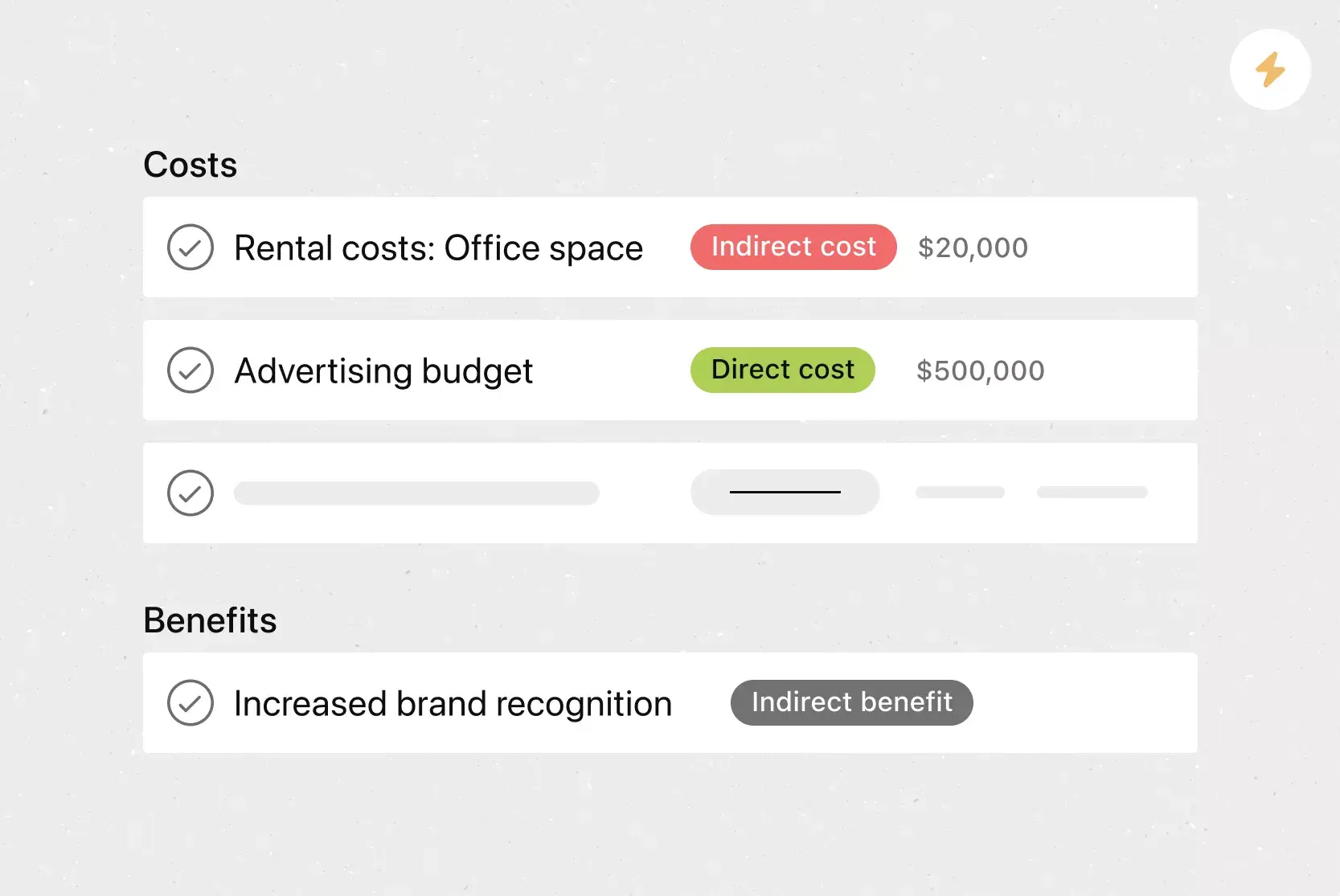
Add custom fields to record the baseline, target, current value, and status. Use number or percentage fields for measurements and a single-select field for status. Specify units to distinguish between hours and percentages.
Include measurement instructions in each KR task. Identify the source report, specify relevant metrics, and explain how to calculate the result. Link supporting documentation and record check-ins within the task.
Gojek uses an Asana template to convert each key result into a project with milestones and tasks. The responsible owner provides progress updates and flags risks. Apply this structure to larger initiatives, while continuing to measure each key result individually. Once the format suits your team, save the project as a template for future cycles.
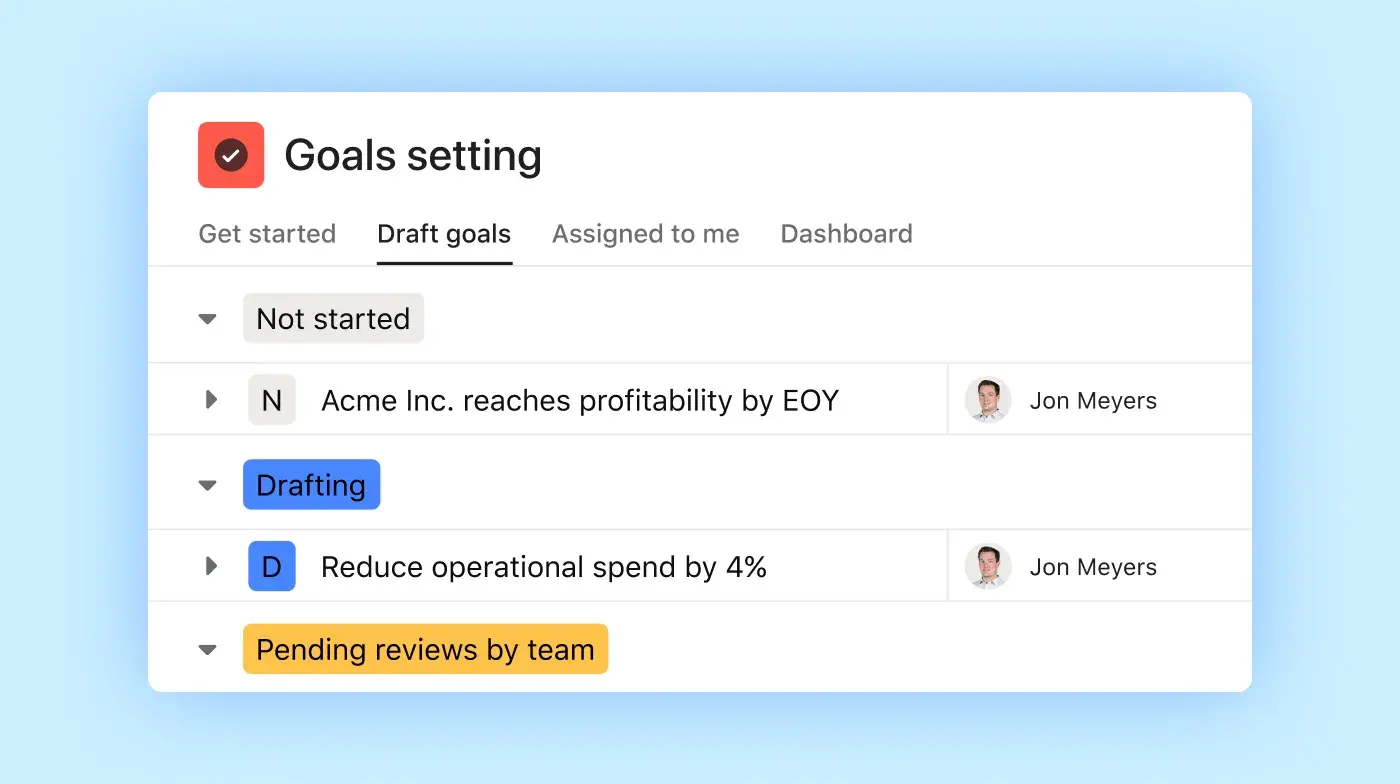
If you use Asana Goals, select a progress method that aligns with your OKR. Asana can calculate progress from connected subgoals, projects, or tasks. Update business metrics from external reports manually. For example, completing a training task does not indicate whether customer satisfaction has improved.
Integrated features
Custom fields display measurements and status next to each key result.
Task owners and due dates clarify who is responsible for updates and when results are expected.
Adding tasks to multiple projects lets teams share supporting work without duplicating effort.
If you need help refining a goal, Smart goals can suggest wording and success criteria. You are still responsible for verifying the metric, target, and reported result.
Recommended apps
Dropbox allows you to attach supporting files to tasks.
Google Drive allows you to link the spreadsheet or report used to measure a key result.
OneDrive lets you attach Word, Excel, and other files.
Microsoft Teams links conversations with actionable tasks in Asana.
Sample OKR from setup to next action

Consider a customer support team planning for Q1 2027. Its objective is “Make support faster and more reliable.” Each key result has an assigned owner and a target due at the end of the quarter.
Key result | Owner | Baseline | Target | Week 6 | Final result |
Raise customer satisfaction | Maya | 82% | 90% | 86% | 89% |
Reduce first response time | Leo | 24 hours | 8 hours | 16 hours | 10 hours |
Reduce reopened tickets | Sam | 12% | 6% | 11% | 6% |
The weekly support report tracks all three key results: satisfaction, first response time, and reopened-ticket rate. Satisfaction equals positive survey responses divided by total responses. First response time is the average for a defined group of tickets. The reopened-ticket rate is the number of reopened tickets divided by resolved tickets within a consistent group.

By week 6, the team published the troubleshooting guide and completed support training. The reopened-ticket rate is 11%, near the 12% baseline. Sam marks the key result as at risk and will review repeat contacts in week 7. The next review is scheduled for week 8.
The audit finds that escalation guidance is missing, so the team updates it. By quarter end, reopened tickets reach the 6% target. Satisfaction and response time improve but miss their targets. The key decision was to investigate the stalled result before choosing what to do next.
OKR examples by department
Use these sample quarterly OKRs as starting points. Before setting an objective, confirm the baseline and the result you want to achieve. Choose outcomes your team can influence.
Team | Objective | Key result 1 | Key result 2 |
Company-wide | Improve the customer experience. | Raise Net Promoter Score from 30 to 50. | Reduce average support response time from 24 to 8 hours. |
Marketing | Attract more potential customers in target markets. | Increase organic website traffic by 40% over the previous quarter. | Increase qualified website conversions from 400 to 500. |
Sales | Win enterprise business more efficiently. | Increase qualified pipeline value by 25% over the previous quarter. | Shorten the average sales cycle from 90 to 60 days. |
HR | Improve employee engagement and development. | Raise the favorable engagement survey score from 70% to 85%. | Retain 45 of 50 enrolled participants through the quarter’s mentorship program. |
Product and engineering | Make the product faster and more useful. | Reduce average page load time from 3 seconds to under 1.5 seconds. | Increase weekly adoption of the selected feature from 20% to 35% of eligible users. |
Publishing articles, launching mentorship programs, and releasing features can help achieve key results. Track these activities as tasks alongside the outcomes they’re intended to influence.
How to score and track your OKRs
Track three items separately: each key result's current value, the owner’s risk assessment, and the final value compared to the intended outcome. A project may be complete while its key result remains at risk. Your OKR tracking template should highlight this distinction.
1. Use a 0.0–1.0 scoring scale
For a committed key result, a score of 1.0 indicates you reached the intended outcome. A score of 0.7 indicates it was not. If your team uses stretch outcomes, agree in advance on how to interpret scores.
To measure progress from the starting value toward the intended outcome, use:
For a key result that should increase: (current value − starting value) ÷ (intended value − starting value).
For a key result that should decrease: (starting value − current value) ÷ (starting value − intended value).
The support team’s final scores are 0.875 for satisfaction, 0.875 for response time, and 1.0 for reopened tickets. Satisfaction improved by 7 percentage points against the intended 8-point improvement: (89 − 82) ÷ (90 − 82) = 0.875.
The team’s optional equal-weight average is 0.917, even though it did not reach two intended outcomes. Keep actual values visible and cap scores between 0.0 and 1.0. These calculations measure progress toward each key result’s intended outcome and are separate from Asana’s task-completion percentages.
2. Schedule regular check-ins
Review progress weekly or biweekly, depending on how often key result data changes. Ask each owner to update the current value, explain the status, and record the next action.
Asana’s Work Innovation Lab found that executives were 2.5 times more likely than non-executives to update goal status during the study period. Regular updates help teams spot risks early and decide what to do next.
Sam’s week 6 record shows what a useful update includes:
Current value: Reopened tickets are at 11%, against the intended 6%.
Status and reason: At risk. The guide and training are complete, but the rate remains close to its starting value.
Next action: Sam will audit reopened tickets in week 7.
Next review: Week 8, to review the findings and updated value.
3. Reflect at the end of each cycle
Compare each key result’s final value to its intended outcome. Identify what went well, what fell short, and what you would change in the next cycle. The support team should analyze why satisfaction and response time missed their intended outcomes, even if the average score appears strong.
Save the completed cycle before reusing the template. Apply lessons learned, then set new starting values and intended outcomes for the next cycle. OKR review supports continuous improvement while maintaining previous commitments.
OKR best practices for your team
Set only as many objectives as your team has the capacity to own, support, and review. Assign a single accountable owner to each objective and key result. Align team goals with company strategy so everyone understands how their work supports broader priorities.
Ensure goals and the work that supports them are visible to all contributors. At Stride, employees can suggest company objectives, and teams use those ideas during sprint planning. Encourage input, but keep proposed activities separate from the measures that show whether an objective is being achieved.
Read Stride’s customer story →
Keep OKR reviews distinct from individual performance ratings to encourage open discussion of risks and ambitious targets. Integrate check-ins into team routines to align on next steps.
Start setting goals with Asana
Develop an OKR template that includes a baseline, target, and accountable owner for each key result. Schedule the initial review and track supporting work alongside key result’s measurement. This helps the team monitor progress and determine next steps.
Create an OKR templateFrequently asked questions about OKR templates
An OKR consists of two main components: an objective and measurable key results. Effective OKR templates also include a timeframe, an accountable owner, and a measurement method. These five elements clarify what the team wants to achieve, how it will measure progress, when it will do so, and who is responsible.
Start with the change you want to achieve, then choose measurable outcomes that show whether you achieved it. Use the format: “I will [objective] as measured by [key result].” Include a baseline, target, and deadline. For example, “Increase qualified inbound leads from 100 to 130 by quarter end” is a measurable result, while “Launch a campaign” is a supporting activity.
Quarterly OKRs give teams a regular cycle for planning and review. Annual or shorter cycles may suit other priorities. Choose a cadence that fits your work and how often you can measure progress toward the objective. Review goals regularly; weekly check-ins do not mean you need to set new objectives each week.
Set only as many objectives as your team has the capacity to own and review regularly. There is no single limit that works for every team. Start with your most important priorities. Before adding another objective, check that each one has an owner, meaningful key results, and enough team capacity behind it.
Share the template with team members who set goals, contributors responsible for supporting work, and people who provide measurement data. Share completed OKRs with relevant stakeholders so they can understand priorities and review progress. Give owners a shared place to record updates and decisions.
Related templates

![[Templates] Product Roadmap (Card image)](https://assets.asana.biz/transform/2728edf4-eb35-4dd5-8d03-25ba8cbe5864/TG23-web-thumbnail-028-scrumban-feature-static-2x?io=transform:fill,width:2560&format=webp)




Create templates with Asana
Learn how to create a customizable template in Asana. Get started today.